 Hearsay
Dictation & meeting notes for macOS
we have wisprflow at home.
Hold a key and your words land right where your cursor is. Hit record on a call and get a transcript of who said what. It all runs on your Mac: no cloud, no account, works on a plane.
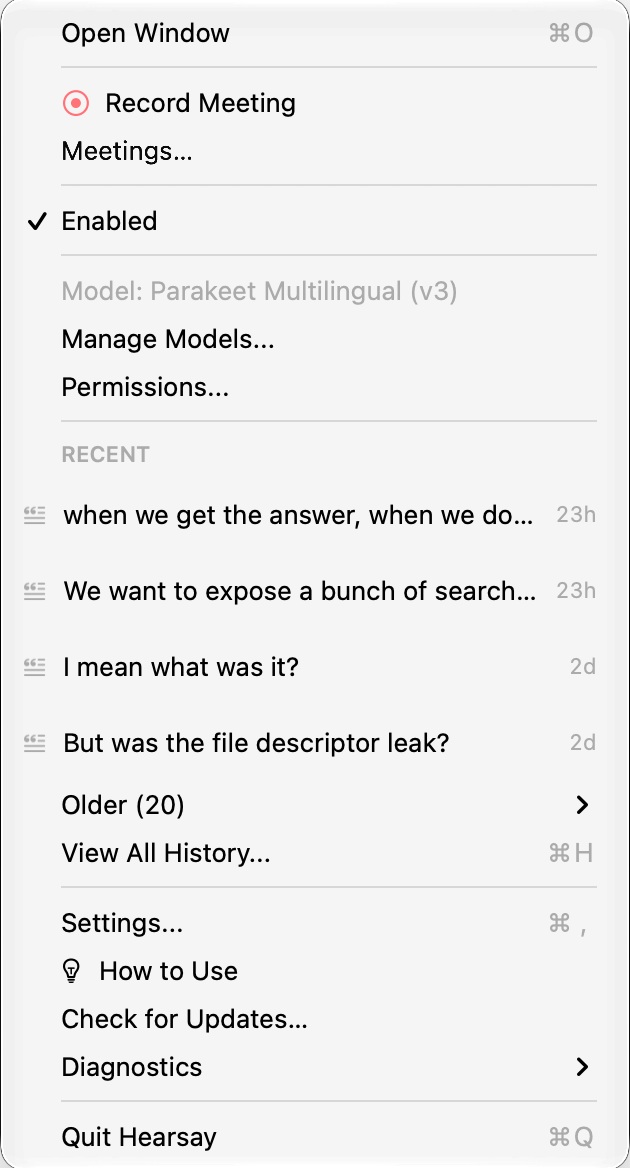
Dictation
Hold Right Option, talk, let go. The text appears in whatever app you're in: email, chat, your editor, the terminal.
Screenshots taken mid-sentence are referenced in the text, so "this button here" brings the image along. Every shortcut can be changed in Keyboard Shortcuts, and every transcription is kept in History.
Meetings
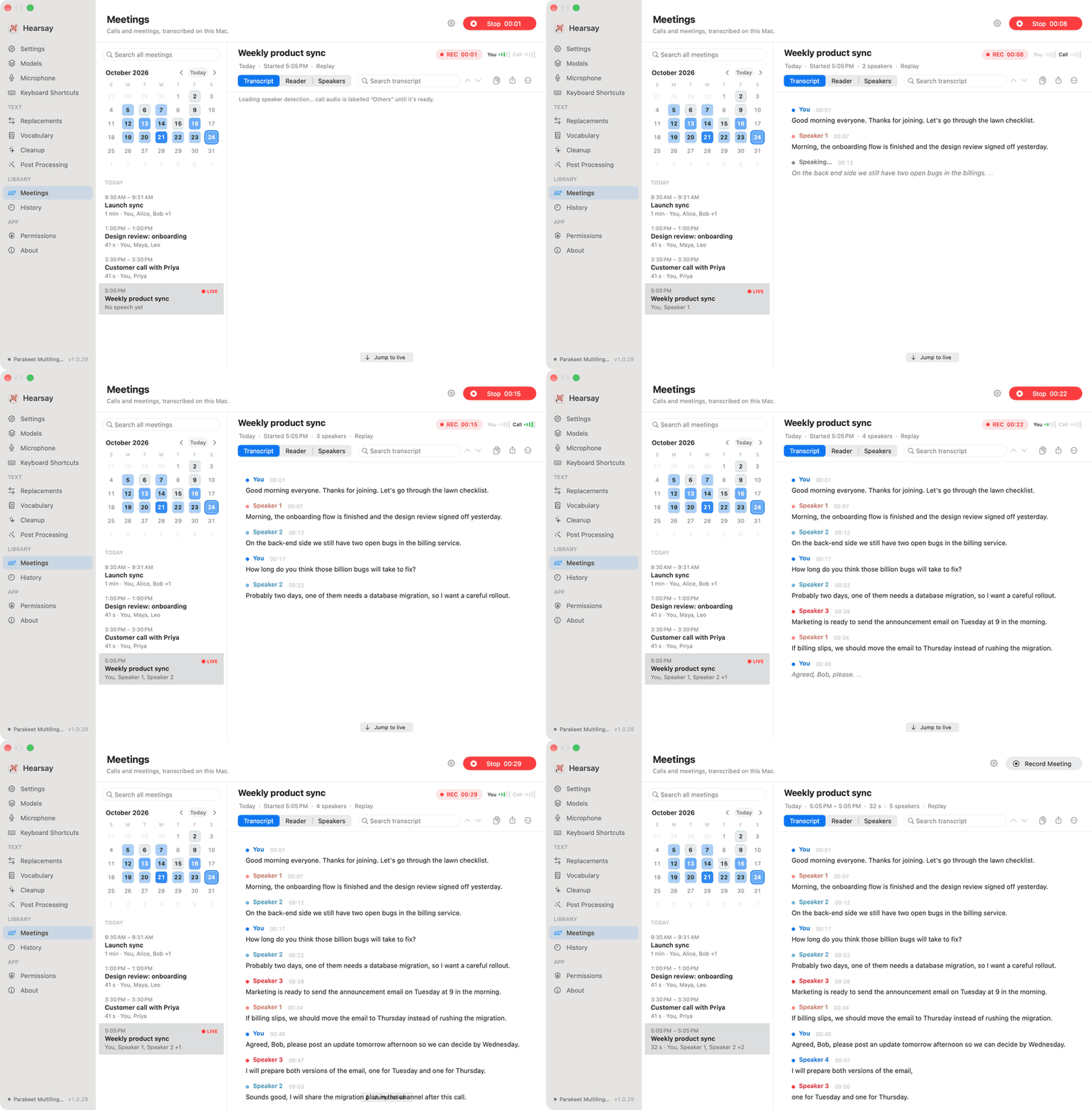
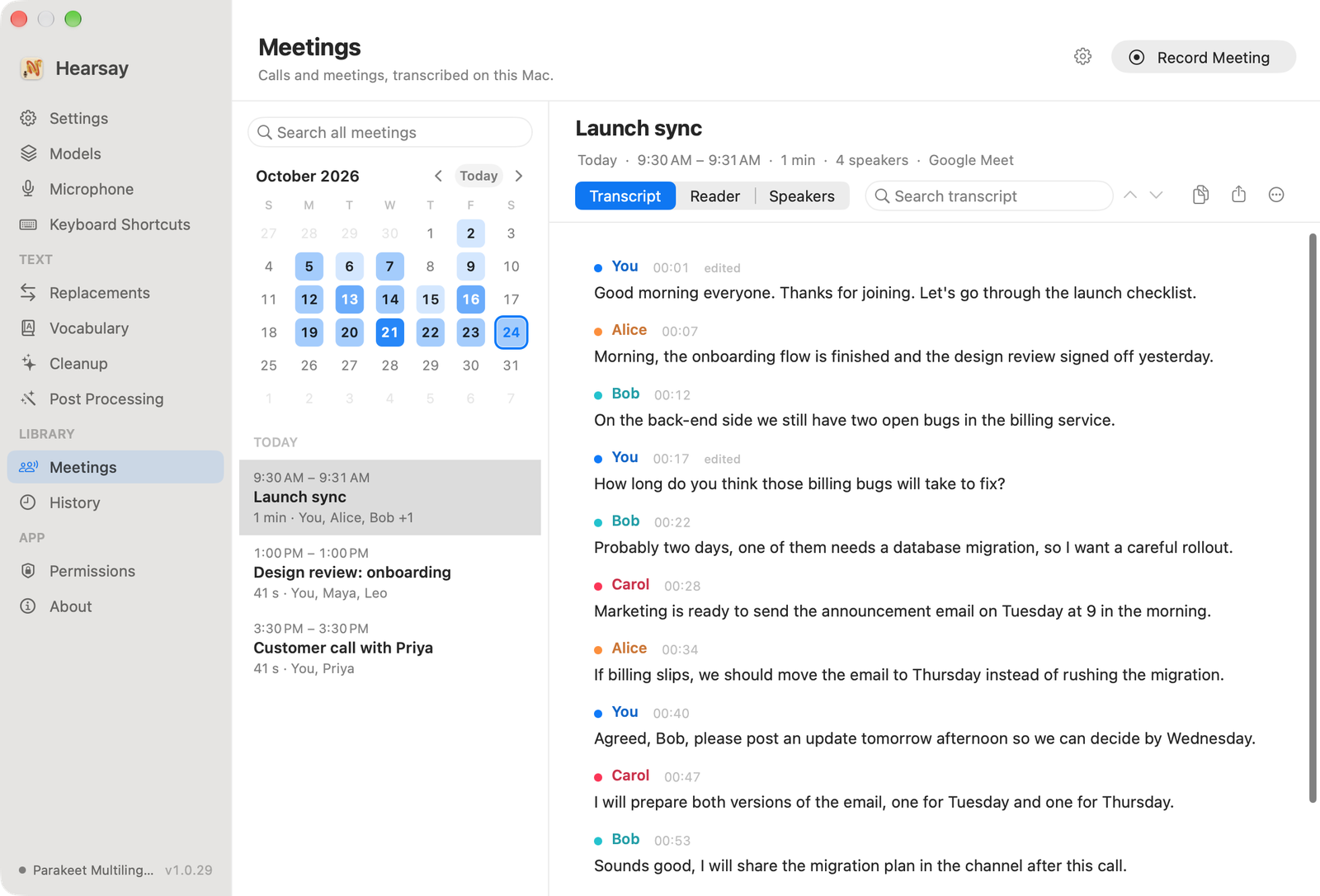
Click Record Meeting and the transcript builds while people talk. Hearsay records your mic and the call separately, so it knows which lines are yours, and tells everyone else apart by voice. Zoom, Meet, Teams, Slack, FaceTime: if your Mac plays it, Hearsay hears it.
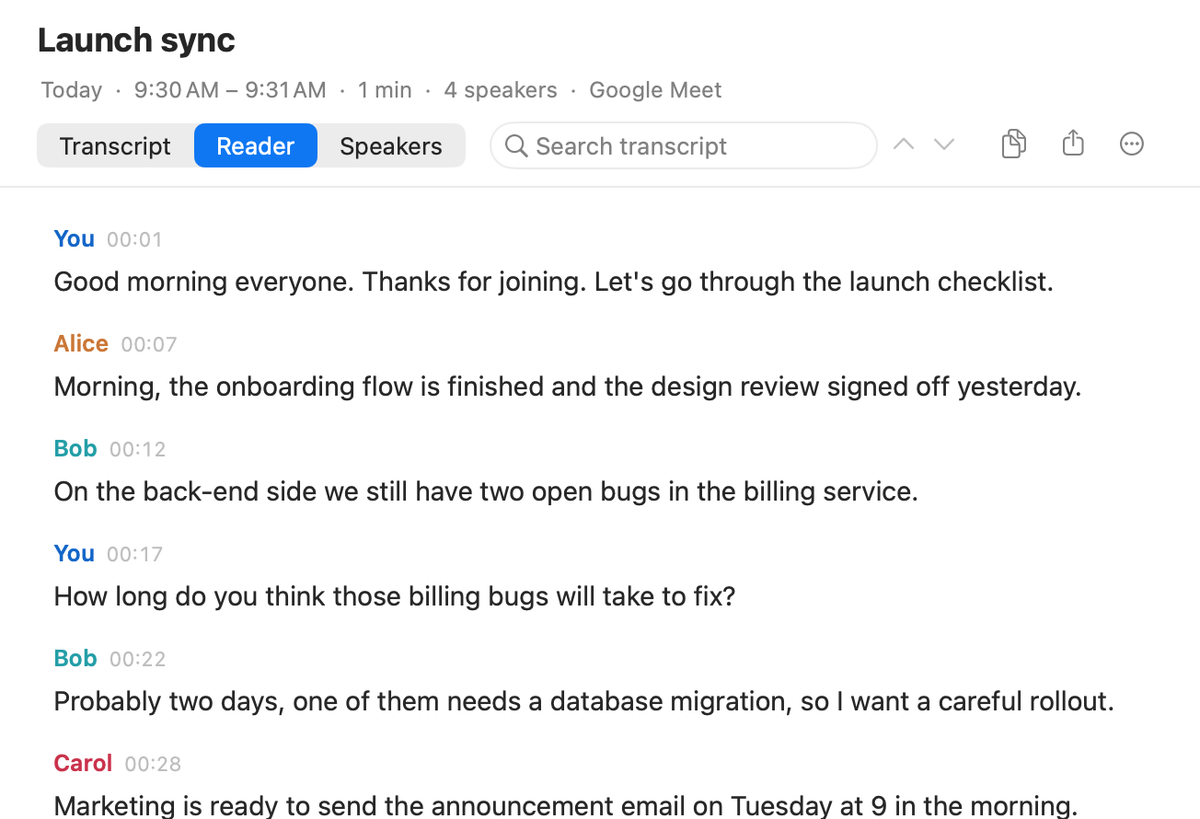
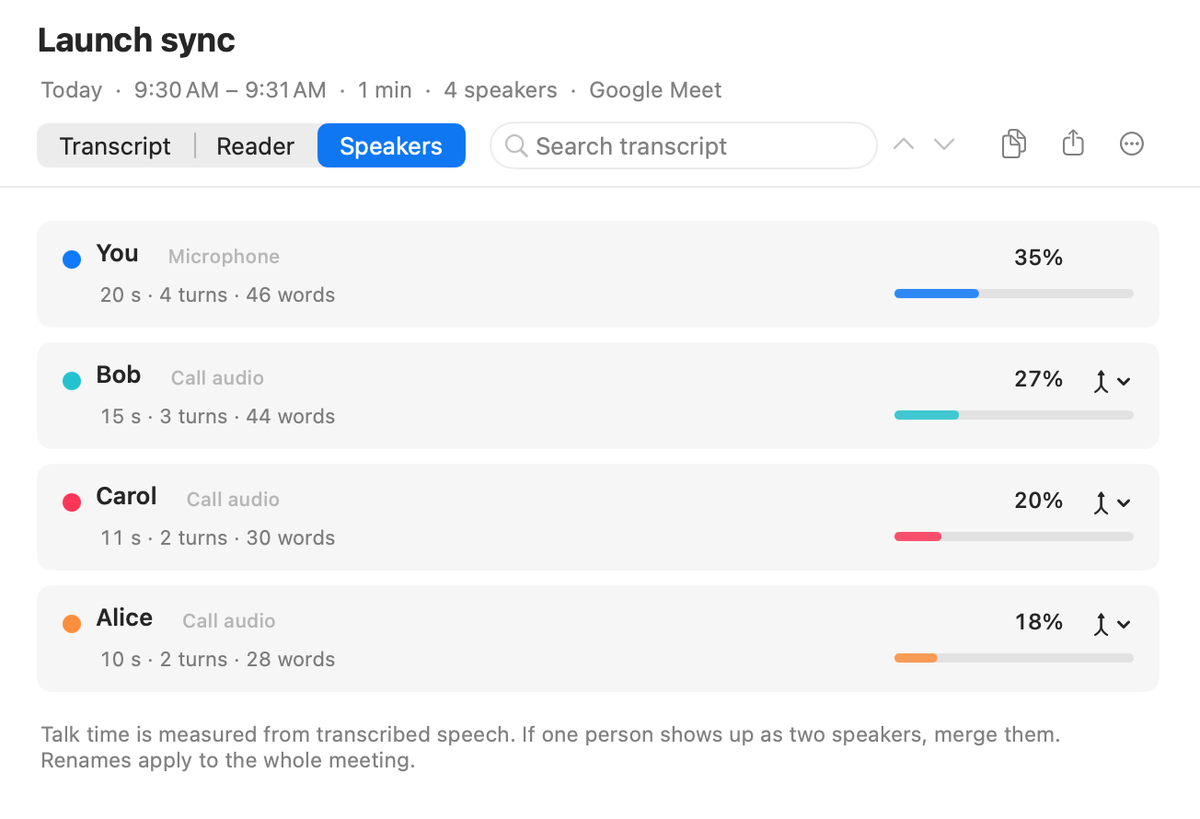
When you stop, Hearsay takes one more pass over the whole call to sort out speakers, then tidies filler words. Rename someone once and every line follows.
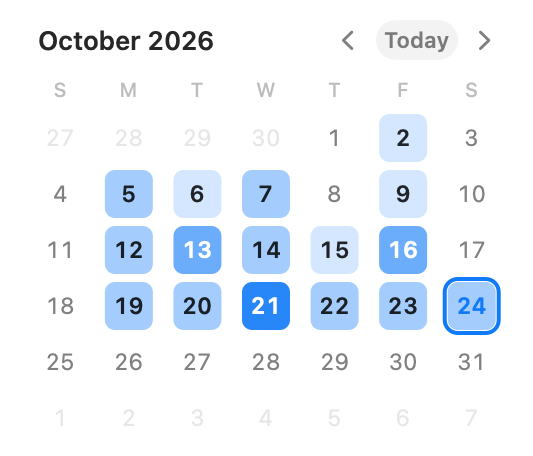
The calendar is shaded by how busy each day was. Pick a day, or search every transcript you've ever recorded.
Private by design
Transcription, speaker detection and clean-up all run on-device. No account, no cloud service, no subscription. Transcripts are plain files you own, and you decide how much space meeting audio may use.
Models
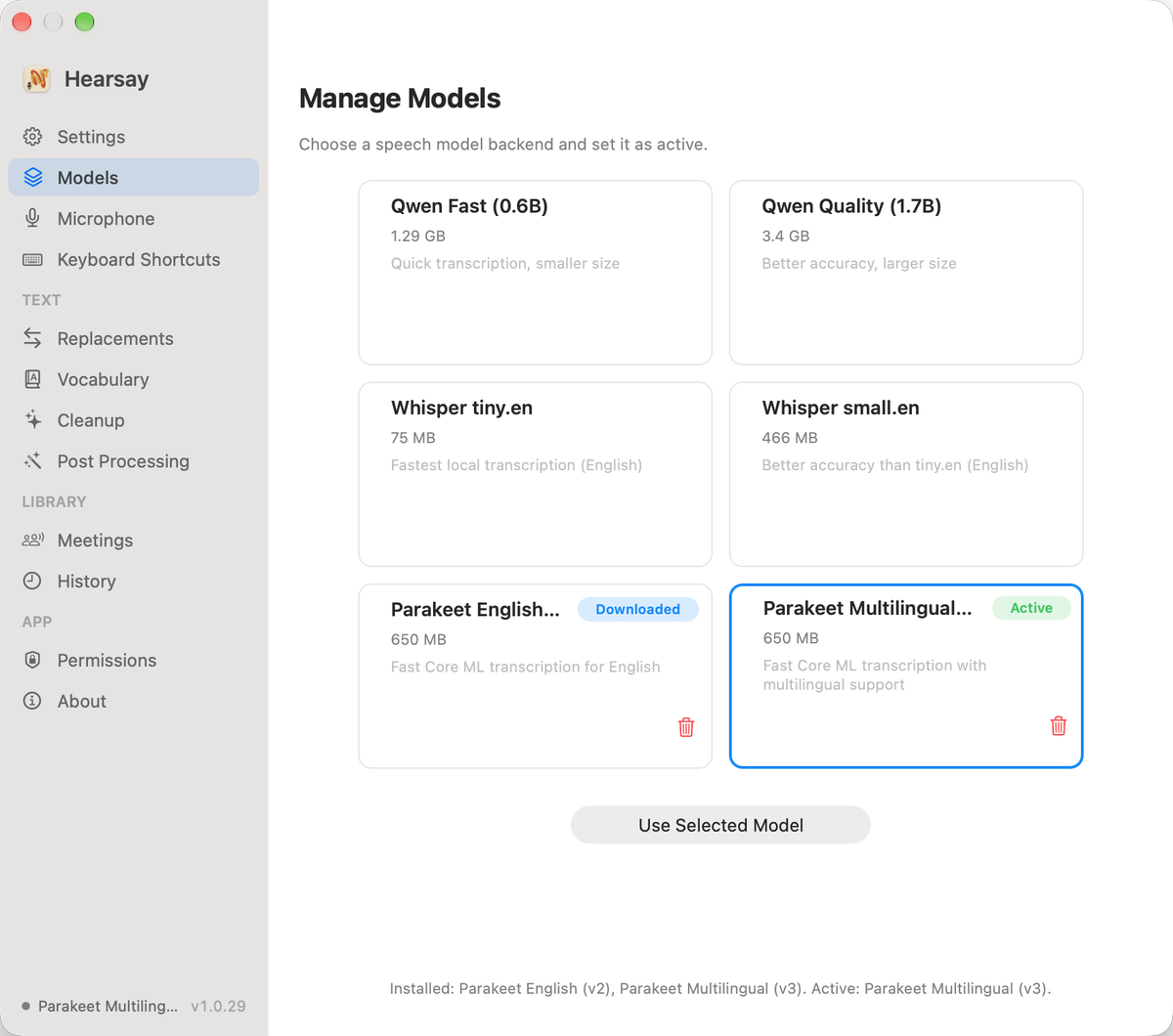
Download one in the app on first launch; switch or delete any time from Models. Teach it your names and jargon in Vocabulary.
NVIDIA Parakeet, English and multilingual, via FluidAudio. Powers live meeting transcripts.
For you and your agents
Hearsay ships a hearsay command, so you (or an AI agent) can pull up
last week's call and ask what was decided. Other apps can use Hearsay for dictation too; see the
integration guide.
# the last meeting, as Markdown
hearsay meetings show latest

# every meeting that mentioned pricing
hearsay meetings search "pricing"

# start and stop recording from a script
hearsay meeting start
hearsay meeting stop

# dictate from a script, print the transcript
hearsay dictate